

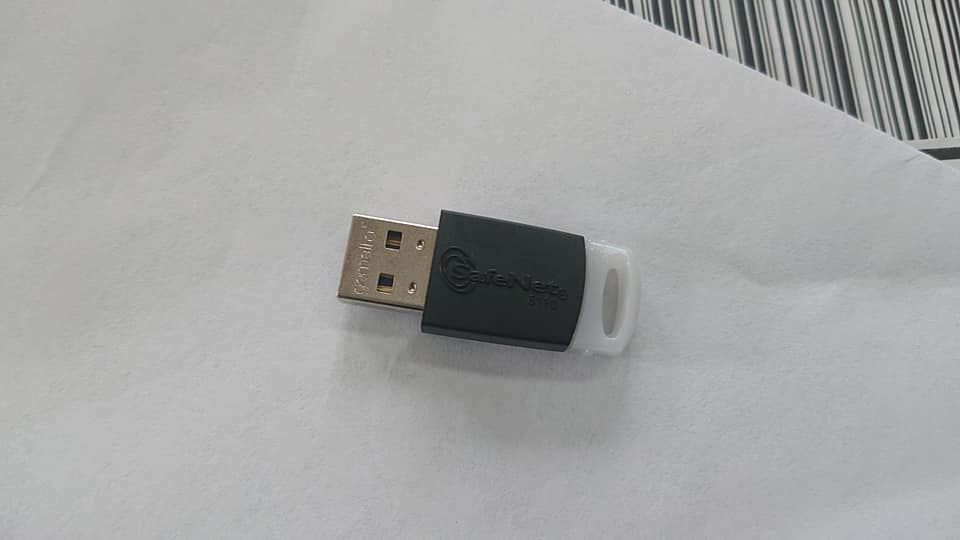
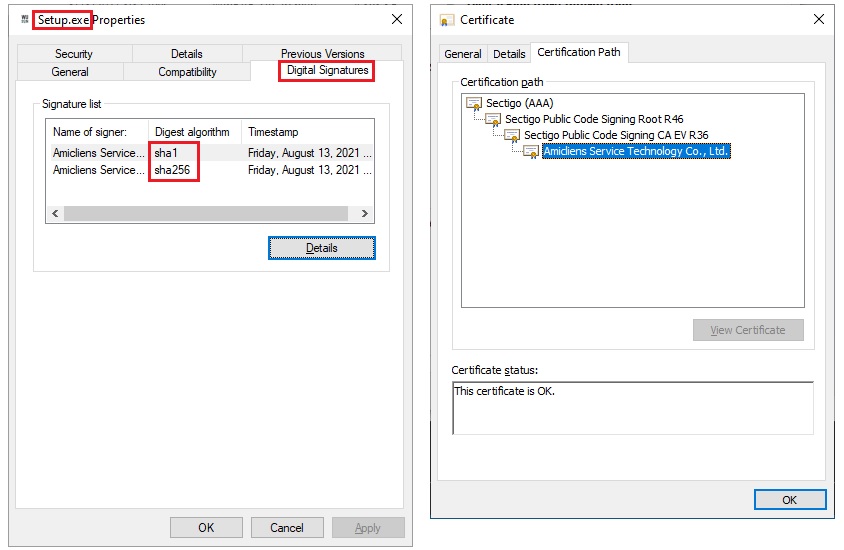
To prevent security warning messages as shown above during the installation process of my CISSP test engine, WUSON Practice Field (WPF), I placed an EV Code Signing Certificate order to Sectigo on July 23 and received the EV Code Signing Token today, Aug. 12. It takes 20 days to fulfill the order. It may take longer if no complaints about their performance and services are made. The validation work, not including token delivery time, should be completed in one week as a normal situation.
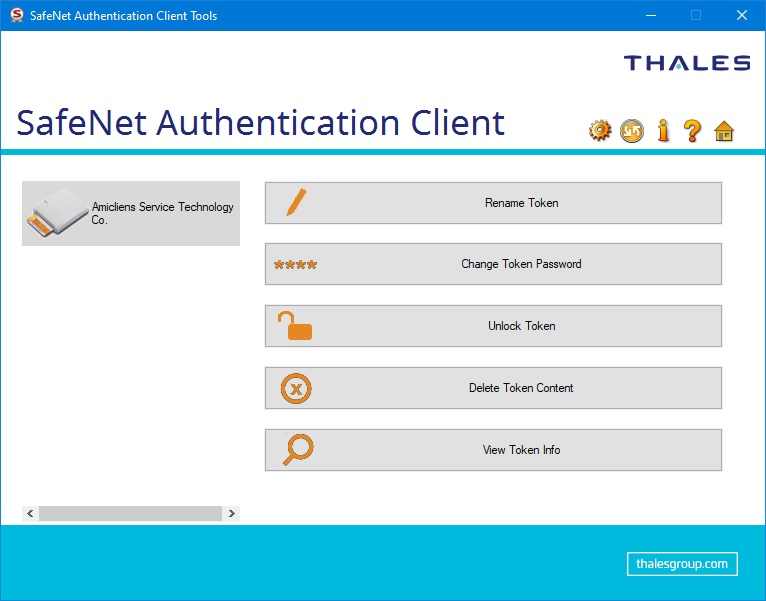
SafeNet Authentication Client
The token model is SafeNet eToken 5110 CC (940), compliant with CC EAL5+ / PP QSCD. Installing the SafeNet Authentication Client is required before using the token.
- SafeNet Download for Certificates using an eToken / Smartcard (Sectigo)
- How to download SafeNet Authentication Client (Digicert)
Poor Documentation
Sectigo sent a password notification email to me as follows. Because they don’t provide ANY instructions or documents in the email, I have no idea how to use the “Your Password” and “Revocation Password.”
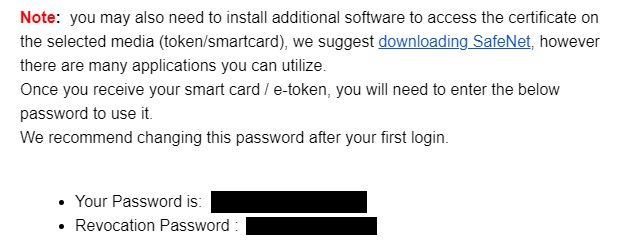
It takes me much time to read the SafeNet user guide and only to find out the “Your Password” is the token password mentioned in the user guide. Concerning the “Revocation Password,” the following is the reply from Sectigo, but what should I do when my private key is compromised?
Concern about Private Key
I had no idea how Sectigo generated the key pair and the certificate for customers and wrote them to the token and was concerned Sectigo might save a copy of the private key and control it.
After communicating with their support team, they clarified my concern. The SafeNet eToken 5110 CC (940), compliant with CC EAL5, supports hardware-generated key pairs. The private key of the key pair is generated in the token directly and is not exportable. The token is a typical something-you-have authentication factor; the token password adds the something-you-know factor and shapes a multi-factor authentication.
Concern about China
Certificate vendors in the western world typically follow law and order and provide adequate security and assurance. However, my order is routed to and validated by a Chinese team in Sectigo. I am deeply concerned about this because I don’t trust China-owned, controlled, or affiliated certificate vendors, e.g., StartCom,.at all. We should keep an eye on China’s move on M&A projects of certificate authorities to prevent the StartCom faults or even fraud from recurring.
Code Signing Challenges
Even though the EV Code Signing certificate works fine to sign the Microsoft ClickOnce manifests, it’s still quite challenging to configure Visual Studio to sign the assembly.




References
- Keys In Hardware vs. Private Key Export
- Set Up Your DigiCert Provided eToken
- How to Install your Certificate onto a SafeNet USB Token
- How Do you Apply DigiCert EV Certificate to ClickOnce Application
- How to Collect my Sectigo EV Code Signing
- StartCom
- Creating Keys
- Download and Install AATL or Qualified Certificate for Electronic Seals/Signatures
- Moving a DoD ECA Digital Certificate to a New Computer
- Manage tokens for a user
- Tokens and token states
- How to find the PIN and PUK code?